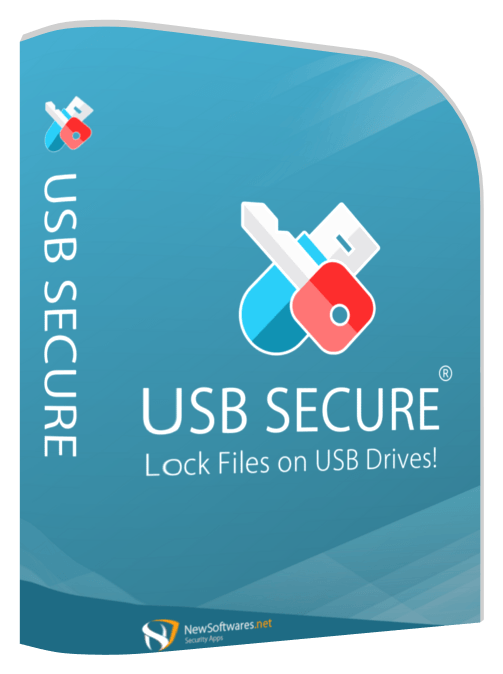
Use USB Secure only where its boundary fits
USB Secure may fit a Windows-oriented handoff that needs a password-controlled protected area and a simple recipient workflow. It should not be represented as a hardware-encrypted drive, universal cross-platform solution, complete chain-of-custody system or substitute for clean-copy, testing and incident procedures.
A team pilots USB Secure on a dedicated audit drive. It verifies the current Windows version, recipient permissions, protected-area behavior, removal handling, recovery path and plaintext residue, then records where a hardware-encrypted device remains mandatory.
Run the control in five steps
- 01Verify the current product version and supported environment.
- 02Test setup, unlock, close, removal and reconnect on representative systems.
- 03Inspect Downloads, temp folders and recent files for plaintext residue.
- 04Document recovery, update and recipient support procedures.
- 05Approve only the evidence classes that fit the tested boundary.
Preserve an accountable audit trail
Keep version, installer source, license status, device/filesystem, setup result, recipient test, residue review, recovery test, approved evidence classes, exclusions and review date.
Stop and investigate when
- Screenshots are treated as independent security evidence.
- Mac, Android or restricted-host compatibility is assumed.
- The product replaces custody, minimization or lost-drive response.
State what the control does not prove
Do not equate with hardware-encrypted drives or untested Mac/Android compatibility. Validate the device, recipient environment, secret channel, plaintext residue and recovery workflow separately.
Test each product view against the handoff
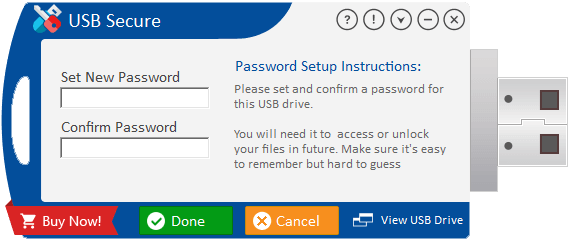
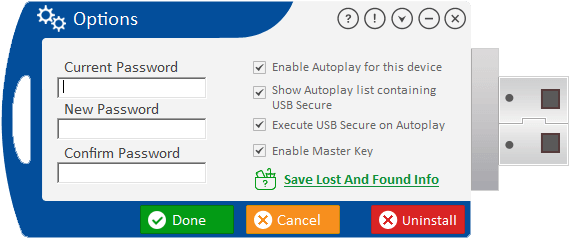
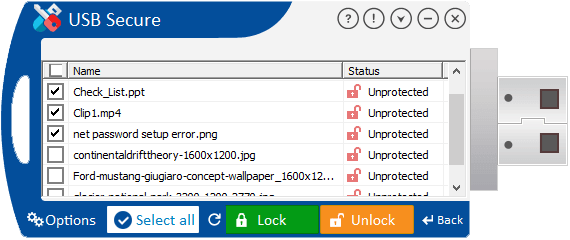
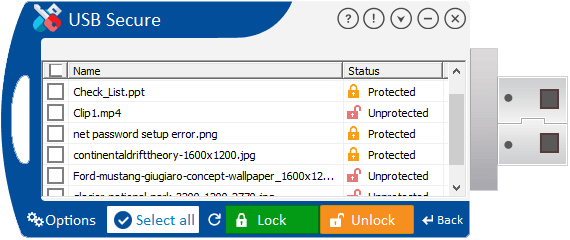
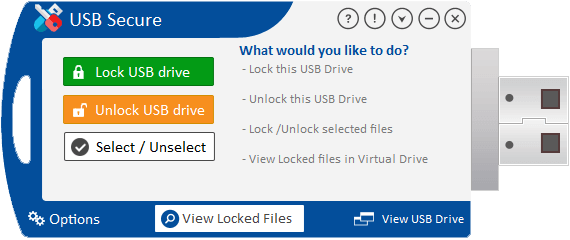
Confirm the current release, supported systems, encryption boundary, recovery behavior and plaintext residue.
Audit handoff questions
Is USB Secure hardware encryption?
No such claim should be inferred. Treat it as software and verify its exact current protection boundary.
Do supplied screenshots prove current behavior?
No. They are product materials; test the current installed version in the real handoff environment.
Sources for this decision
Links support specific control decisions and do not imply endorsement.