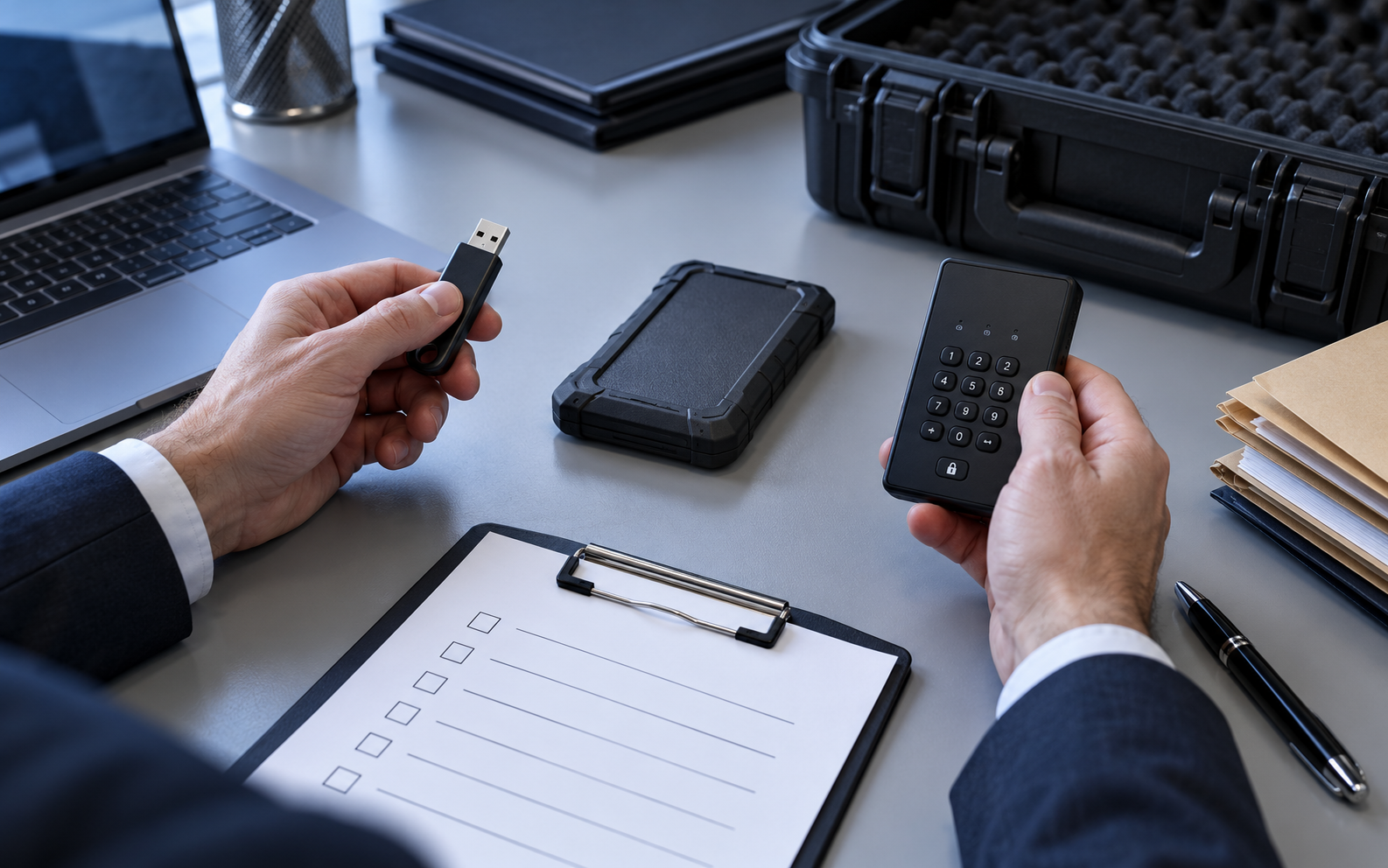
Match the device to the evidence risk
A low-cost flash drive can carry ordinary working papers, but it does not become hardware-encrypted because software restricts a protected area. Choose the device only after classifying the evidence, recipient platform, travel route and loss impact.
A coordinator must send sampling evidence to an external auditor. The team excludes source-system exports that are out of scope, confirms a Windows review laptop, selects a dedicated sanitized drive and records why software protection is proportionate.
Run the control in five steps
- 01Classify the evidence and likely harm if the device is lost.
- 02Confirm recipient operating system, ports and administrative restrictions.
- 03Choose a dedicated drive with enough capacity and no unrelated files.
- 04Use a hardware-encrypted device when policy or risk requires it.
- 05Record the device serial, owner and approved protection method.
Preserve an accountable audit trail
Record device make, serial, capacity, filesystem, sanitization result, assigned custodian, recipient platform, protection method and approval. Never place a password in the same record that travels with the drive.
Stop and investigate when
- The drive contains unrelated historical files.
- The recipient platform has not been tested.
- Software protection is described as hardware encryption.
State what the control does not prove
Do not equate with hardware-encrypted drives or untested Mac/Android compatibility. Validate the device, recipient environment, secret channel, plaintext residue and recovery workflow separately.
Audit handoff questions
Is any USB drive suitable for audit evidence?
No. Device assurance, compatibility and loss impact must match the evidence classification.
Does formatting sanitize a previously used drive?
Not necessarily. Use an approved sanitization method and retain the result.
Sources for this decision
Links support specific control decisions and do not imply endorsement.