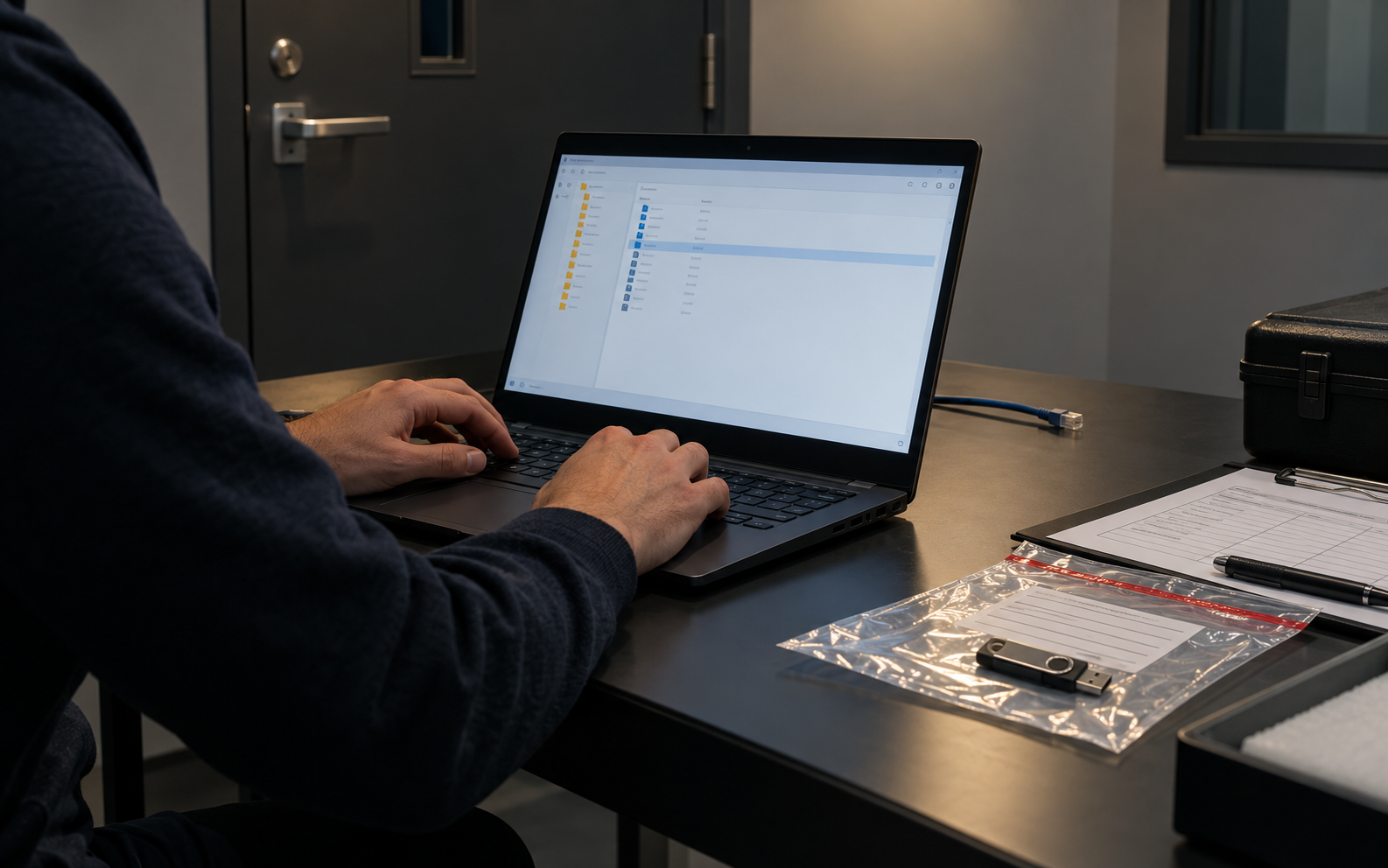
Prove access without relying on the network
The receiving auditor may be offline, restricted from installing software or using a different platform. A representative offline test should reproduce those constraints and confirm both confidentiality and usability before dispatch.
A test user with no project access receives only the drive and separately delivered secret. On an offline Windows laptop, they locate the package, authenticate, open representative files, close the protected area and confirm files are not left in recent or temporary locations.
Run the control in five steps
- 01Use a clean test account that resembles the recipient environment.
- 02Disconnect network access and disable reliance on cloud paths.
- 03Authenticate using only the separately delivered instructions.
- 04Open representative file types and verify counts or hashes.
- 05Close, eject, reconnect and confirm protection persists.
Preserve an accountable audit trail
Record workstation OS/version, account privilege, network state, software/version, file types opened, integrity result, residual-copy check, tester and approval.
Stop and investigate when
- The test depends on the creator’s cached credentials.
- The recipient must install unapproved software.
- Opened evidence remains in a local temporary folder.
State what the control does not prove
Do not equate with hardware-encrypted drives or untested Mac/Android compatibility. Validate the device, recipient environment, secret channel, plaintext residue and recovery workflow separately.
Audit handoff questions
Why test offline?
It reveals hidden dependencies on cloud access, downloads, identity services or cached credentials.
Is one successful open enough?
No. Test closure, reconnection, representative formats and residue as well.
Sources for this decision
Links support specific control decisions and do not imply endorsement.